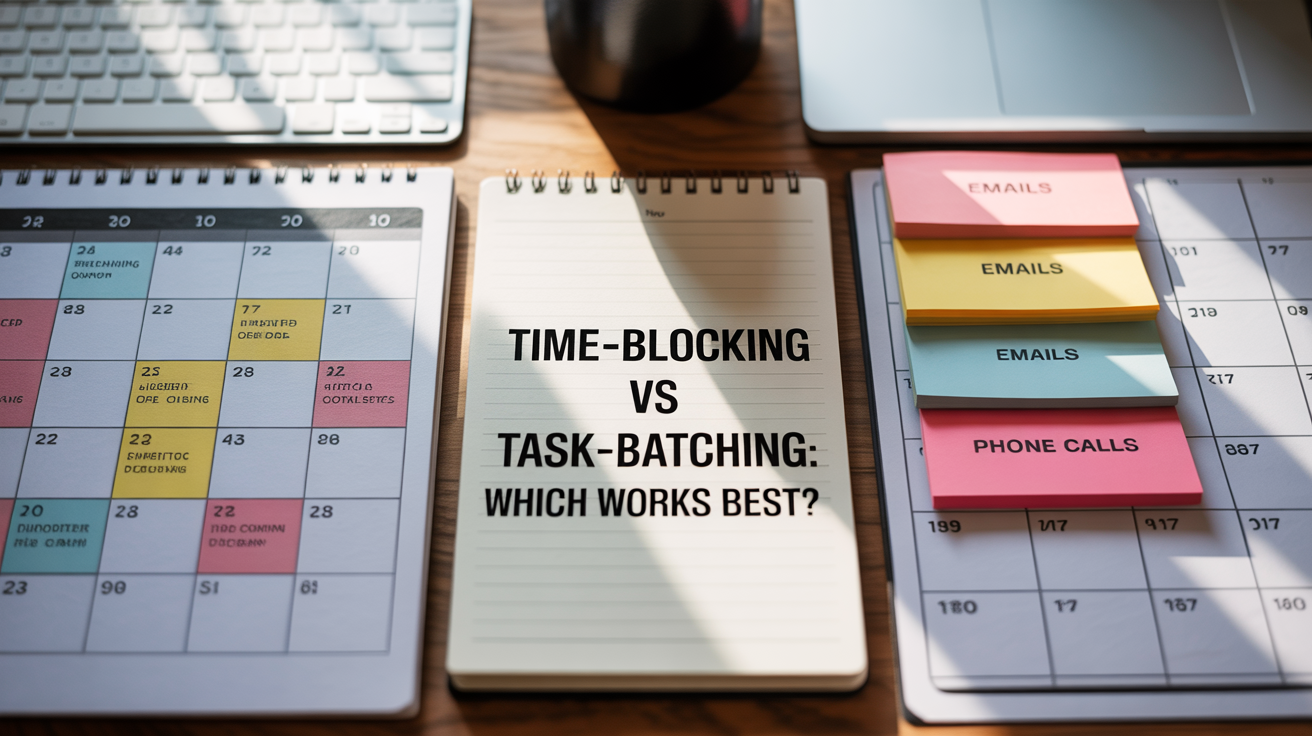

Time-blocking vs task-batching: Which works best?
For freelancers, startup founders, and solopreneurs, mastering productivity can often be the difference between thriving and just surviving. Two popular strategies, time-blocking and task-batching, promise to organize your workflow and increase efficiency. But which one suits you better? Both methods optimize how you manage your time and energy, yet they approach it differently. In this article, we’ll explore what each technique entails, their pros and cons, and how you can decide which fits your unique entrepreneurial lifestyle. By the end, you’ll be equipped to craft a schedule tailored to your ambitions and help unlock more opportunities, freedom, and impact.
Understanding time-blocking


Time-blocking involves dividing your day into fixed chunks dedicated to specific activities or projects. Instead of a simple to-do list, your calendar becomes a map of planned focus periods, minimizing distractions and multitasking. For example, you might block 9:00 AM to 10:30 AM exclusively for client calls and then 11:00 AM to 12:30 PM for content creation.
This method emphasizes discipline and routine, making it easier to estimate how long tasks take and reducing decision fatigue. Many successful entrepreneurs, like Elon Musk and Cal Newport, advocate for time-blocking due to its ability to enforce boundaries on work sessions.
Benefits of time-blocking:
- Ensures dedicated focus time for high-priority tasks
- Reduces context switching
- Helps visualize the day’s workload and allocate time realistically
- Encourages work-life balance by clearly defining work hours
When time-blocking is ideal:
This strategy works best when your tasks vary day-to-day but require deep focus periods or meetings. If you have a diverse workload with deadlines that depend on strict timing, time-blocking directly controls your schedule.
What is task-batching?

Task-batching groups similar tasks together and completes them in one go rather than scattering them throughout the day. For example, instead of replying to emails sporadically, a freelancer might set aside a block of time to handle all email correspondence at once.
This approach aims to reduce the mental load of switching between different types of work. It leverages the brain’s tendency to perform better when repeating the same action, leading to quicker completion and fewer errors.
Advantages of task-batching:
- Minimizes distraction by reducing task switching
- Improves speed and efficiency for repetitive work
- Can create momentum — staying “in the zone” with similar activities
- Supports better focus on cognitive energy-intensive tasks
Best scenarios for task-batching:
If your day includes many short, similar tasks like responding to messages, making calls, or data entry, batching prevents constant interruptions and can free up larger chunks of time for creative work or strategic planning.
Time-blocking and task-batching: Comparing the two

Both strategies are about managing your attention and energy, but their focus differs. Time-blocking organizes your day by calendar segments tied to specific activities, while task-batching bundles related tasks to gain efficiency.
The following table highlights key differences:
| Aspect | Time-blocking | Task-batching |
|---|---|---|
| Primary focus | Allocation of specific time slots for distinct tasks | Grouping similar tasks together for consecutive execution |
| Best for | Meetings, deep work, varied priorities | Routine, repetitive tasks like emails, calls, admin |
| Effect on multitasking | Limits multitasking by scheduling one task at a time | Reducing task switching within similar task types |
| Planning complexity | Requires detailed scheduling and commitment to time slots | Easier to implement; just group tasks without precise timing |
| Flexibility | Less flexible once the day is blocked; interruptions can disrupt flow | More flexible; can batch tasks in flexible batches depending on daily needs |
Which method works best for freelancers and solopreneurs?

Choosing between time-blocking and task-batching depends on your work style, business demands, and goals. Often, the most effective approach combines elements of both. For instance, you might time-block your calendar for deep-focus work like product development while batching repetitive tasks like responding to emails into a single batch each afternoon.
Experiment with these techniques and adjust as your startup or freelance business evolves. If you tend to get overwhelmed by unpredictable schedules, time-blocking helps regain control. If you find yourself wasting time jumping between small tasks, batching can drastically improve your flow.
Remember tools like Todoist and Zapier’s guide to task batching can support you in adopting these methods.
Final thoughts: productivity tailored to you
Both time-blocking and task-batching help freelancers, startup founders, and solopreneurs harness their ambition by structuring work and cutting inefficiencies. Time-blocking shines when you need intentional focus on diverse priorities and want a visual plan of your day. Task-batching excels at streamlining repetitive work and preserving mental energy.
Ultimately, blending these strategies lets you design a productivity system that grows with your business. Be flexible, track what’s working, and iterate regularly. Productivity isn’t about rigid rules but about creating freedom to innovate and impact.
Remember: “It’s not about having time; it’s about making time work for you.” Harnessing the best of both worlds can help you do just that.